In July, employees at 29 organisations did something entirely reasonable: they searched Bing for the Claude desktop app and clicked the top result. The link pointed to claude.ai – the genuine domain. It still ended with malware on their machines.
That campaign, which the security firm Huntress named FakeAgent, took two days. The trick was clever: the ad led to a page attackers had published on Claude's own artifact-sharing feature, which then bounced visitors to a convincing download site serving a file called ClaudeDesktop.exe. The page was viewed around 7,100 times before Anthropic removed it. What the file actually installed was SectopRAT – a programme that quietly copies saved passwords, browser cookies, card details and files, and sends them to the attacker.
Nobody in that chain was careless. They wanted a well-known tool, from what looked like the official source, and the address bar backed them up. That is why this article exists.
This is a wave, not an incident
Every major security firm measuring this arrives at the same picture.
Kaspersky counted more than 92,000 malware attacks disguised as AI services between January and early May 2026. Fake ChatGPT led at 49% of detections, with Claude and Gemini at 18% each. The figure that matters for a business our readers' size: over 33,300 of those attacks targeted small and medium businesses in four months – nearly five times the 2025 count.
Sophos reviewed a full year of its incident cases and found that of 38 confirmed incidents involving hostile AI activity, 30 were criminals impersonating AI software rather than using AI to attack. Claude was the most-abused brand, appearing in 26 cases. One fake "AI sidebar" browser extension had more than 10,000 installs and a 4.7-star rating while hijacking searches and stealing credentials.
The disguise has simply moved with the times. Yesterday it was a fake bank email or a missed parcel; today it is the AI tool your team already wanted. And as we covered in our piece on shadow AI, 45% of employees are adopting these tools on their own, without asking anyone – which means the person doing the downloading is often doing it quietly, on whatever site the search engine offered first.
The prize is the session, not only the password
The programmes behind these campaigns are called infostealers, and the name is accurate. Once one runs on a machine, it copies what's stored there: every password the browser has saved, autofill details, card numbers, and – this part matters most – cookies.
A cookie is the small file that keeps you logged in, so you don't retype your password every morning. Steal it, and you are that person's login. No password needed. No MFA prompt. The multi-factor authentication we keep telling businesses to switch on still stops most account takeovers – but it checks people at the front door, and a stolen session cookie is a wristband that says you're already inside.
This stopped being theoretical in August, when Anthropic began warning users that infostealers were hijacking live Claude sessions – attackers were replaying stolen sessions to burn through victims' paid usage. Anthropic's response was telling: it signed affected users out, removed their saved payment methods, and refunded unauthorised charges. That fixes the account. It does nothing for the infected computer, which will happily hand over the next session too.
The same family of tools – Vidar, Lumma, RedLine and friends on Windows, Atomic Stealer on Mac – doesn't stop at AI accounts. The passwords it takes include your email, your accounting software, your client systems. The AI brand is just the bait.
Mac users don't get a pass
A common assumption in small offices is that Macs are immune to this. The current campaigns are built around that assumption.
The Mac version rarely asks you to download anything. Instead, a fake install guide – for Claude, for a transcription tool, for whatever was searched – tells you to paste a single command into Terminal, dressed up as a normal setup step. Malwarebytes documented fake Claude search results doing exactly this in May. Because the user runs the command themselves, macOS's built-in download protection never gets a look at it. What arrives is Atomic Stealer, which goes after the Keychain – the very place a Mac keeps every saved password.
The rule this points to is blunt: no one in your business should ever paste a terminal command from a website into a work machine because an install guide told them to. If a setup process demands it, that's the moment to stop and ask someone.
If your business uses AI agents, your config files are software now
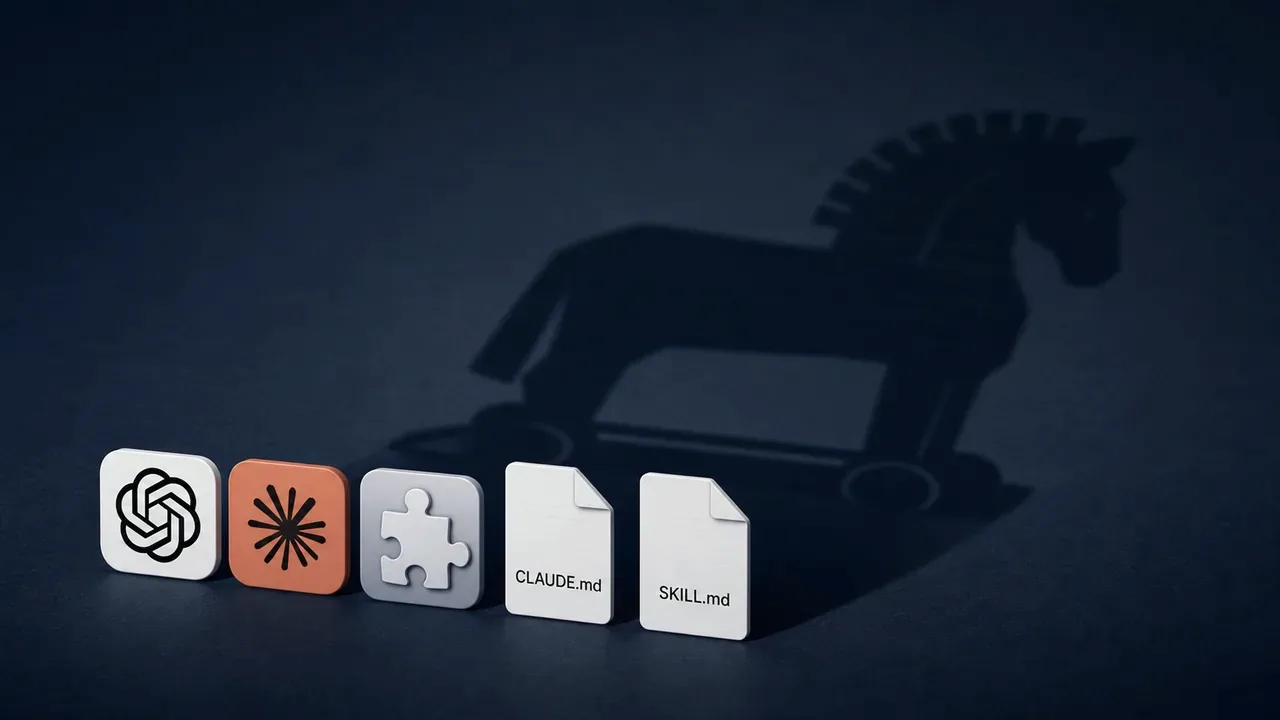
This last part is newer, and it applies to businesses a step further along – those using AI agents and assistants that read instruction files (files with names like SKILL.md or CLAUDE.md) to learn how to behave.
Those files look like harmless notes. They are actually instructions a machine will follow, which makes them exactly as dangerous as any other software you install. Snyk audited a public library of agent skills and found security flaws in 1,467 of 3,984 – nearly 37%, with 13% rated critical. Community plugins and packages travel the same road: Sophos's incident data included a poisoned copy of a popular AI library on PyPI and an npm plugin for Claude that quietly fetched code from a remote repository. The Cloud Security Alliance documented the nastier consequence: a poisoned instruction file can tell the agent to silently re-download malware every time it loads – so the infection survives a full clean-up, because it rides back in with your own backup. And it spreads: a compromised file committed to a shared project infects every colleague who copies that project.
If that paragraph felt technical, the plain version is this: your team may soon be downloading "instructions for the AI" the way they download apps – and those instructions need the same question asked of them. Where did this come from, and do we trust the person who wrote it?
Five rules for every work machine
None of this requires new software. Like the payment-fraud rules we've written about before, the defence is a handful of procedures agreed in advance.
1. Bookmark, don't search. AI tools get installed from the official page, reached by a bookmark or a typed address – never from a search ad, no matter how legitimate the link looks. FakeAgent proved that even a genuine domain in an ad can betray you. This is a one-line rule anyone can follow.
2. One person installs. On work machines, software installs go through one nominated person. Not as bureaucracy – as a checkpoint where "this install guide wants me to paste something into Terminal" gets caught.
3. Extend your AI policy by one section. If you've written the one-page AI policy we recommend, add an approved route next to the approved tools: this is where we download them, these are the browser extensions we allow, and here's who to ask about anything else. Approved tools installed from the wrong place are still an open door.
4. Review what's already installed. Browser extensions across the team, AI apps on work machines, and – if you use agents – every instruction file and where it came from. Ratings and install counts don't count as vetting. For the instruction files, we built a free checker: drop your CLAUDE.md or SKILL.md files into our agent file check and it flags the known poisoning patterns, entirely in your browser.
5. Keep MFA, add scepticism about sessions. MFA stays mandatory; it stops most attacks. Just know its limit: if a device is infected, logged-in sessions are already lost. That's an argument for keeping work on managed, protected devices – the same argument that runs through everything we write about security.
The vulnerability is informal installation
The security industry will sell you AI-powered defences against AI-powered threats, and some of that has its place. But look at what actually happened in every case above: a person, acting sensibly, installed something from the wrong place. The technology was ordinary – fake ads and password stealers are decades old. What's new is the disguise, and the fact that AI tools are being adopted faster, and more informally, than any workplace software before them. That informality is the vulnerability. The businesses that get hurt won't be the ones using AI – they'll be the ones where nobody ever agreed how it gets installed.
Sources
- Huntress – Inside FakeAgent: How a Claude Desktop Malvertising Campaign Hit 29 Organizations with SectopRAT (July 2026)
- Kaspersky – More than 92,000 malware attacks disguised as AI services detected in 2026 (June 2026)
- Sophos – Fake AI, real malware: attackers impersonating AI brands (August 2026)
- BleepingComputer – Anthropic warns infostealer malware is hijacking Claude sessions (August 2026)
- Malwarebytes – Fake Claude search results lure Mac users into ClickFix attack (May 2026)
- Snyk – ToxicSkills: malicious AI agent skills on ClawHub (February 2026)
- Cloud Security Alliance – SKILL.md and agent context poisoning (May 2026)
- Help Net Security – How attackers hosted a fake Claude download page on the claude.ai domain (July 2026)
Not sure what's already installed across your machines – or where your AI tools and agent files actually came from? An audit of exactly that is how our AI implementation work often begins: we check the tools, the extensions and the download routes, and leave you with the one-page install policy. Get in touch.