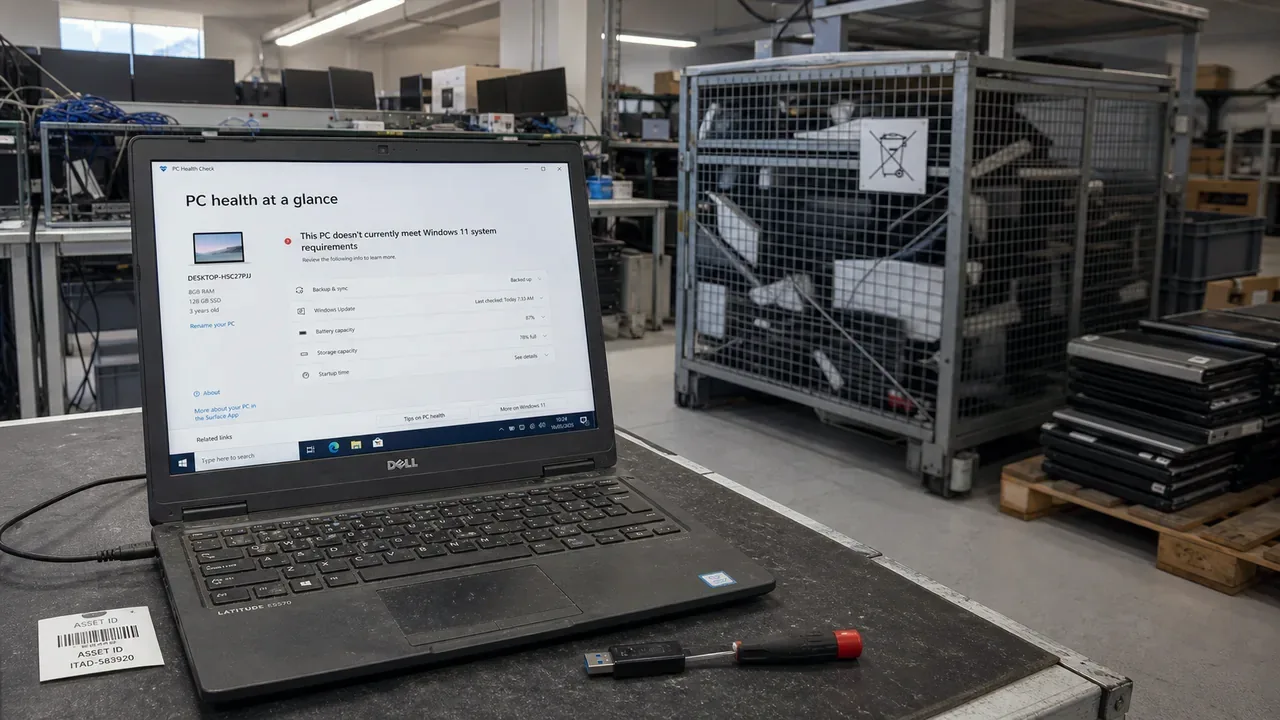
In late 2023, analyst firm Canalys published a number that should have caused more discomfort than it did: an estimated 240 million PCs – about one fifth of all Windows 10 devices in the world – could not meet Windows 11's hardware requirements and risked becoming electronic waste. US PIRG's estimate ran as high as 400 million machines.
Here is the uncomfortable part: most of those machines work. They fail a policy test, not a performance test.
A policy cliff, not a performance cliff
Windows 11 requires TPM 2.0 and a relatively recent processor – for Intel, roughly 8th generation (2017) onwards. Microsoft's stated reasons are security ones, and they are not invented: hardware-backed security genuinely raises the bar against modern attacks.
But the effect is blunt. A well-specced 2016 laptop with a solid-state drive and plenty of memory – a machine that opens spreadsheets, runs a browser and handles email without complaint – is on the wrong side of the line forever. No upgrade, no fee, no exception. And as Canalys pointed out, the same rule guts the refurbishment market: machines that can't officially run the current OS lose most of their resale value regardless of condition, which means fewer get a second life and more go to the shredder.
We spent twelve years doing component-level repairs before starting Evolfe, and if that work taught us one thing, it's this: the gap between "no longer supported" and "no longer useful" is usually measured in years.
Who profits from the default
Let's be plain about incentives, ours included.
Hardware vendors profit when you replace machines – analysts have been open that the Windows 10 deadline was expected to lift PC shipments. Many IT providers profit too: procurement margins, setup fees, and the simple fact that a fleet refresh is easier to quote than a machine-by-machine assessment. When your IT supplier says "it's all got to go," that may be correct – but notice that it is also the answer that pays them best and costs them the least thought.
An honest disclosure: Evolfe benefits when clients buy hardware through a project we run. Which is exactly why the rest of this article is a checklist you can use without us.
The per-machine test
We covered the Windows 10 deadline maths in a separate article – extended updates that double in price each year make "just keep paying" a poor default. But "replace everything" is the other poor default. The honest question is per machine: what does this machine do, and what does that role require?
Replace when the role demands it. Internet-facing machines handling client data, finance, or email need a supported operating system. If they can't get one, replacement is the responsible call – that's not vendor pressure, that's the job. The same goes for machines that are genuinely too slow for the work: forcing staff to wait on hardware is a real cost that shows up nowhere on an invoice.
Upgrade when you're allowed to. Machines that meet the requirements upgrade to Windows 11 free. Check before assuming – the requirement line is odder than it looks, and we regularly find "old" machines that qualify.
Repurpose when the role can change. A machine that can't run Windows 11 can still run ChromeOS Flex or a mainstream Linux distribution with full security updates – perfectly serviceable for browser-based work, a meeting-room screen, a workshop terminal, or a loaner. Offline roles need no OS support at all.
Pass it on when you're done. UK charities and refurbishers accept working machines and place them with schools and low-income households. If the machine leaves your business, wipe the drives properly first – deleted files are not wiped files – and get a record of it.
Recycle properly when it's truly dead. In the UK, business IT equipment is WEEE-regulated: licensed carrier, documented disposal. That's a legal duty, but also a data one – drives in skips have a way of resurfacing.
Replace by role, not age
The 240-million-PC number is usually quoted as an environmental story, and it is one. But for a small business it's also a procurement story: a fifth of the world's PCs being declared obsolete by policy – not by failure – is precisely the environment in which "replace it all" gets recommended more often than it's needed. Someone in the conversation should be asking which machines actually have to go. If your IT provider never asks that question, ask why.
None of this argues against buying new machines – we recommend them constantly, and the October 2026 deadline makes some replacements simply correct. It argues against the default. A decision that costs your business thousands of pounds and may turn working equipment into waste deserves ten minutes of thought per machine. That's usually all it takes.
Sources
- Omdia / Canalys – The end of Windows 10 support could turn 240 million PCs into e-waste (December 2023)
- US PIRG – Can you upgrade to Windows 11? Millions can't
- Microsoft – Windows 11 specifications and requirements
- Google – ChromeOS Flex
- GOV.UK – Electrical waste: producer and supplier responsibilities (WEEE)
Want the per-machine answer for your own fleet before deciding what to replace? Our business IT support includes device planning that separates security needs from sales pressure. Ask us to assess the fleet.